

Elena M.
«Works on all my devices right away: laptop, phone, tablet. No extra hassle.»
A personal VPN for Apple TV on your own server: a native tvOS app on the App Store with MeduzaVPN ULTRA, a dedicated IP on the PERSONAL plan, 60+ locations and instant QR-code sign-in from your phone.
MeduzaVPN turns your Apple TV into a private gateway to the internet through a personal VPS in the location you choose. On the PERSONAL plan, your traffic goes through your own server and dedicated IP rather than a shared address used by thousands of other users.
The native MeduzaVPN app for tvOS installs straight from the App Store on Apple TV, runs a system-wide tvOS VPN tunnel and is designed for the Siri Remote. Sign in by scanning the on-screen QR code with your phone or entering the short code at meduzavpn.com/link.

Create a MeduzaVPN account and choose a VPN location from 30+ countries.
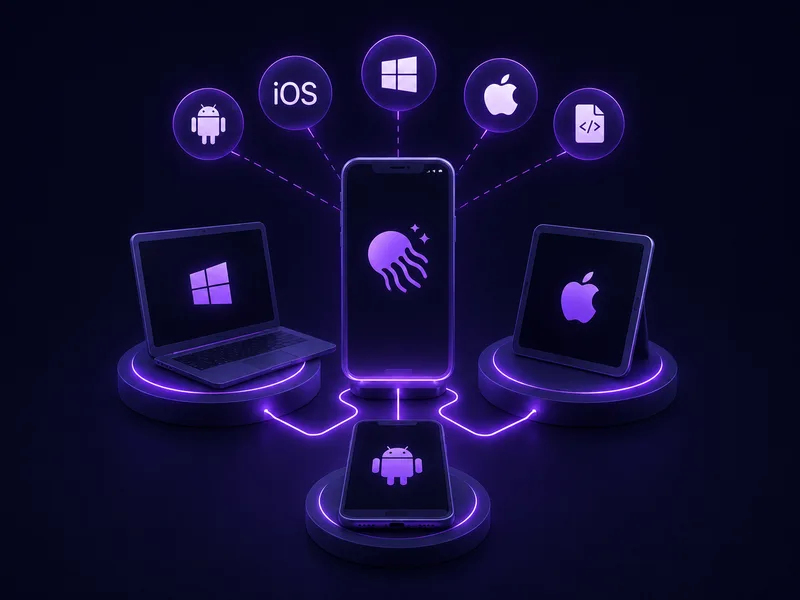
Install the MeduzaVPN app for Windows, Android, iPhone, iPad and Mac and sign in to your account — or use the configuration file in any third-party client.
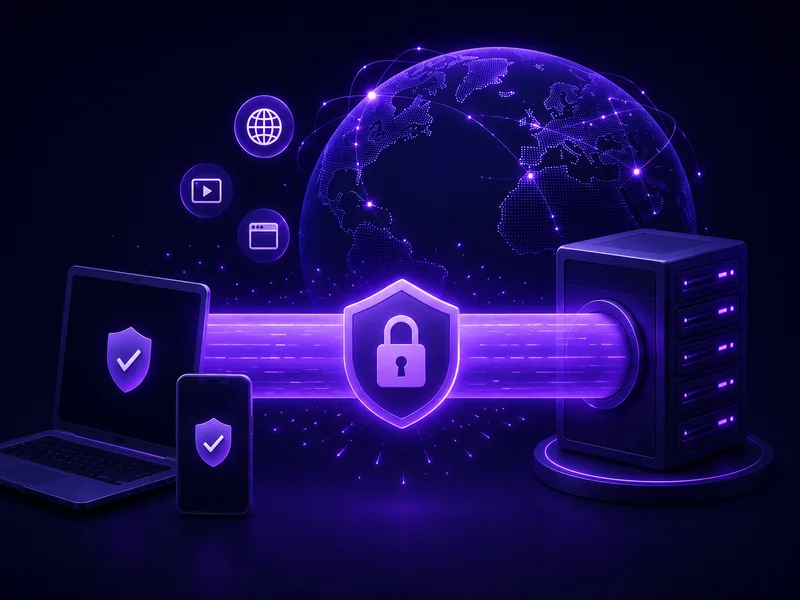
Now all your device's traffic goes through your own server — on the PERSONAL plan, with a dedicated IP and no shared users.
Get the MeduzaVPN app
Your own VPS and modern encryption — your traffic stays separate from others.
Modern protocols help you stay connected even on unstable and congested networks.
More than thirty countries and regions — pick where your server runs.
Get configuration files and QR codes to connect through any compatible VPN client.
Within the first 15 days, tell us the reason and get a full refund.
On the PERSONAL plan, every VPN in your subscription is a personal server that nobody shares with you. One subscription can hold from 1 to 20 of them, each in its own location.
Your own VPN server. More choice and control.
15-day refund
Full refund on requests made within 15 days with a reason provided
60+ locations included
Switch location anytime at no extra cost
Multiple payment methods
14 ways to pay: international and Russian cards, SBP, SberPay, T-Bank, YooMoney, MIR Pay, UnionPay, Apple Pay, Google Pay, Samsung Pay, PayPal, stablecoins and 50+ other coins
Elena M.
«Works on all my devices right away: laptop, phone, tablet. No extra hassle.»
Daniel W.
«Fair price, no issues with speed, plenty of servers for any task. One minor wish — I'd love more detailed connection and traffic stats in the app. It would also be nice to get push notifications when the connection drops. Doesn't affect the core functionality, overall happy and not planning to switch.»
Irene L.
«Took it on trial after a bad experience with another service. Everything works the way it should: stable connection, decent speed even in the evening, and payment went through without any hassle. I used to be skeptical about services like this, but now I recommend it to friends without hesitation. I'll be staying for the long run.»
Artem K.
«Got connected in a couple of minutes, no complex setup. Stable both at home and while traveling, speed is consistently high across every device.»
Olivia S.
«Got it for my mom — she's always worried about scammers. The service has its own app, so there was nothing to configure manually: installed it, signed in, and it just works.»
Open the App Store on your Apple TV, search for MeduzaVPN and install the app. Open it, scan the QR code on your TV screen with your phone or enter the short code at meduzavpn.com/link to approve the device, then select your server and press Connect (allow tvOS to add the VPN configuration on the first connection).
Yes. The native MeduzaVPN app supports all generations of Apple TV 4K as well as Apple TV HD running tvOS 17 or newer.
MeduzaVPN for Apple TV requires tvOS 17 or newer (Apple introduced system-level VPN support in tvOS 17). If your box is on an earlier release, update it in Settings → System → Software Updates.
Make sure QR-code sign-in was approved and Apple TV is listed among your account devices, and that you allowed tvOS to add the MeduzaVPN VPN profile. If the connection still fails, try another server location in the app or reconnect.